What EHS Software Go-Live Does to Your Legacy Safety Records
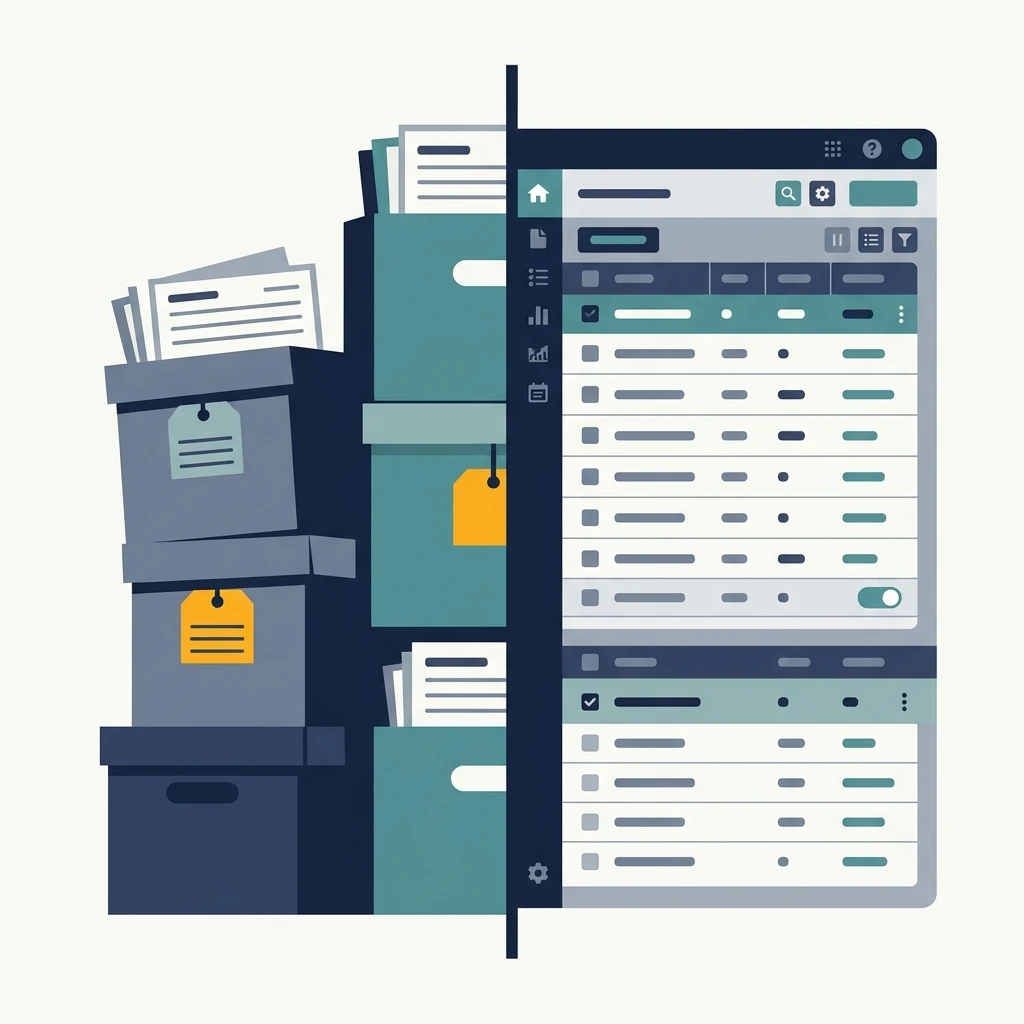
At go-live, the cut-off date leaves older safety records in boxes or attached files, and the mapping alters the ones loaded into fields. When a records request or an investigation needs that history years later, some records only need to be found and others have to be recovered into fields.

A former employee writes to ask for the noise monitoring results from the years they worked on your site, 25 years ago. Under OSHA's records access rule (29 CFR 1910.1020), you must keep exposure records for 30 years and provide them in a reasonable time. If that takes longer than 15 working days, you must tell the employee why within those 15 days and give the earliest date you can hand them over.
Your EHS platform went live eight years ago, and the migration only loaded records back to a set cut-off date. Anything older stayed out of the platform. Those 25-year-old noise results are in an archive box, if anyone kept the box.
Paper is allowed. The rule does not require software, "as long as the information contained in the record is preserved and retrievable". Your legal duty is to find the record and hand it over. Your platform's history stops at the cut-off date. That duty does not.
Where Your Legacy Safety Records Ended Up
During an EHS data migration, the cut-off date decides which records from before EHS software go-live are loaded into the platform's form fields. The cut-off can fall on go-live day, or earlier if the project migrated the most recent years.
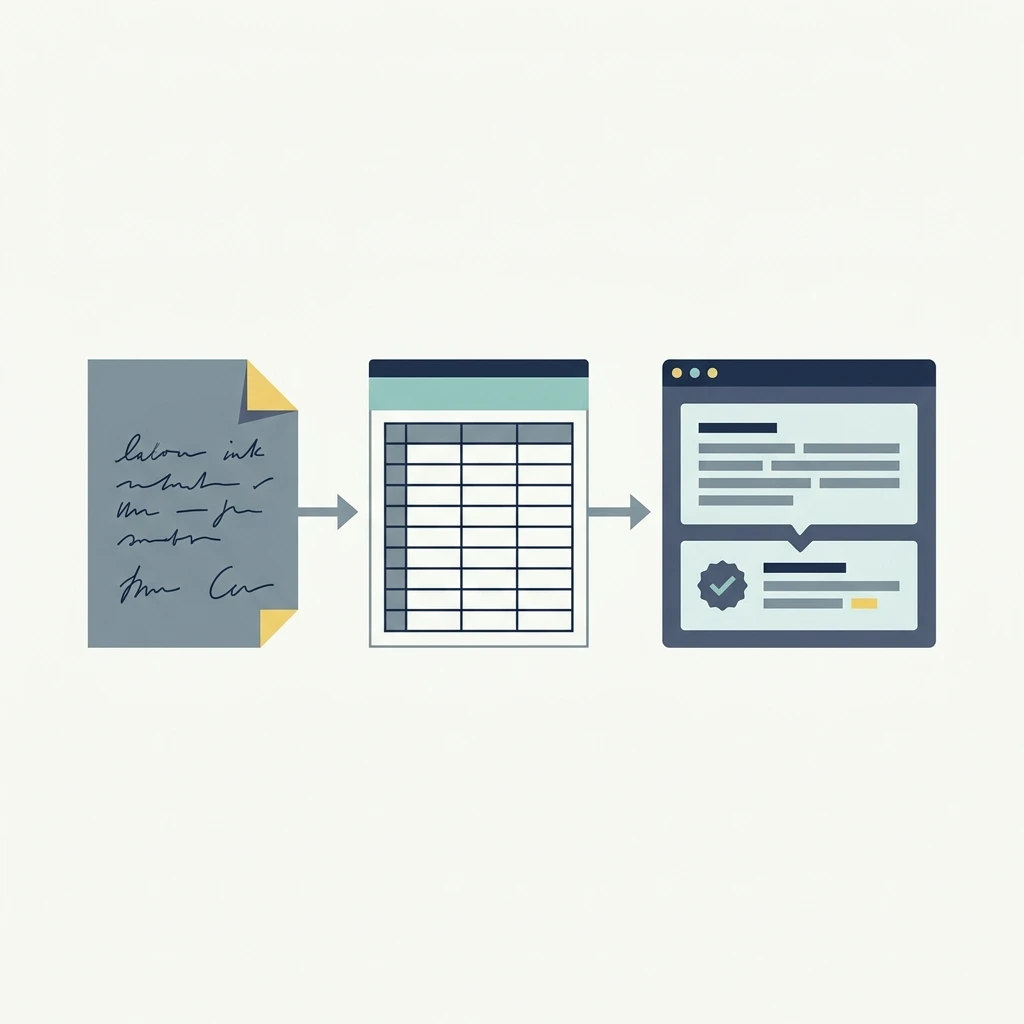
Records dated between the cut-off and go-live were mapped: each old column matched to a field in the new platform. Records dated before the cut-off were attached as files (PDFs, scans, or spreadsheets stored on a site record), left behind outside the platform (paper in boxes, files on a shared drive, or the old system's export), or thrown away (gone). Some records left behind or attached have since been recovered into form fields.
Three questions, asked in order, tell you which state an old record is in:
- Is the record in the platform at all? If not, it was left behind, or it is gone.
- Can a filter or report read its fields? If not, it is an attached file.
- Did its fields enter the platform at go-live, or later? At go-live, it was mapped. Later, it was recovered.
Being inside the platform does not mean the record works. Mapping runs field by field, using a mapping table that pairs each old column and category with a new one. An old field can be matched directly, translated (old categories merged or renamed into new ones), dropped, or poured into a free-text notes field that no filter reads—and a new required field can be filled with a default (one value written where the old records had none). Each mapping outcome has its own test and fix.
Use the archive list (what each box, shared-drive folder, and old-system export holds) for records outside the platform, and the tests below for records inside it:
| Where the record is | Test it | Fix |
|---|---|---|
| Outside the platform | A search for the years before the cut-off returns no records in form fields (or only the ones recovered since). The archive list tells you which of these you have. | Find each record through the archive list. Recover it into fields only when a question has to count across many records: |
| Paper in boxes | Read the paper into fields (by hand or with a model), then check the fields against the paper. | |
| Files on a shared drive | For a spreadsheet, map its columns into fields and check the mapping. For a scan, PDF or photo, read it into fields and check it against the file. | |
| The old system's export | Something can still open it. | Copy it into an open format (such as CSV) while you still can. When needed, map its columns into fields and check the mapping. |
| Gone | The archive list shows a gap for those years. | Record what is missing and the years it covered, so whoever answers records requests knows before a request arrives. |
| Inside the platform | ||
| Attached files | A report for the years before the cut-off returns zero, while the site record holds attached files for those years. | When a question has to count those records, map an attached spreadsheet or read an attached scan into fields, and link each record to the file. |
| Records mapped at go-live | Lay a row from the old export or spreadsheet next to the same record in the platform and compare them field by field. | Repair the fields your question needs (restore original category text, replace defaults with "not recorded", or link the original). Keep the mapping table on file. |
| Records recovered later | A report counted by entry date includes old records in the year they were loaded, or a recovered record has no link to its original. | Add fields that mark the record as recovered: a link to the original, how it was recovered and checked, and a flag that excludes it from entry-date reports. |
A record that is gone has no fix in the platform. If it is an exposure or medical record still inside its retention period, the duty to preserve it was broken when the box was thrown away, before any request arrived.
What the Cut-Off and the Mapping Cost
Leaving old records out of form fields saves money in the implementation budget. Years later, you pay for that saving when an old record can no longer be found, counted, or trusted.
A cut-off date keeps the migration price and go-live schedule inside the vendor's quote by skipping two jobs for every record before that date: mapping (matching old columns and categories to new ones, which decides what your history means) and data cleaning (fixing records the import would reject, such as a missing date or an unlisted site name). Attaching old files skips both jobs the same way. A quote can also leave data cleaning to the customer, where any extra vendor work requires a change order—a signed increase to the price and schedule.
When records are mapped, the shortcuts that make the import fit the schedule—translated categories, dropped fields, notes fields no filter reads, defaults—are recorded as lines in the mapping table and signed off out of sight of the site teams.
Read your quote for any line that names the legacy records you must later produce for a regulator, a worker, or an investigation. If none is listed, the quote priced the records it loads, not the ones you must produce.
Those records only enter the scope if the people who answer records requests or run investigations bring the archive list to the cut-off and mapping sign-off. Check who signed both decisions: if nobody who later needs the old records was in the room, the scope was set without the people who pay for the gaps.
A cut-off is the right choice for records past their retention period that no investigation will read. It is the wrong choice for exposure records or near-miss and incident history, and only the archive list tells them apart.
Each shortcut takes away one thing an old record could do. A question that reaches back before go-live then gets no answer, a wrong answer, or a late one:
| The old record can no longer | Because | Such as |
|---|---|---|
| Be found | It sits outside the platform. The platform's search stops at the cut-off date, and only the archive list points to it. | A hazard reported more than once on paper cards looks new the day it comes back, because the cards sit in a box nobody can search. A records request starts with a search through boxes. |
| Be counted | It is an attached file. Reports count form fields, and a file has none, even where the platform can search text inside attachments. | A report of near misses by category or year shows zero for the years before the cut-off. |
| Keep its words | Its category was translated, and the original wording was not kept. | The old system separated reach trucks from other forklifts. After the merge, nobody can filter for reach trucks before go-live. |
| Keep its value | The field was dropped, or poured into a free-text notes field no filter reads. | A request asks for the sampling location on a noise result. The value survives only on the original, if anyone linked it. |
| Be true | A required field was filled with a default value where the old records had none. The mapping table may note the default, but people search the platform, not the mapping table, and the default looks like a real entry. | Every old record carries "low" potential severity, so a search for high-potential near misses before go-live finds none. |
| Exist | It was left behind, then thrown away. | An exposure record still inside its 30-year retention period cannot be produced at all. |
An AI model does not erase those six costs. It can read scanned cards quickly, but it cannot tell you which box to open, restore a field the mapping dropped, or produce a record that is gone. Even a search across scanned cards returns a list of possible matches, not a count: someone still has to read and check each card before the count can be defended.
How Long You Must Keep Each Record
Your EHS platform does not have to hold 30 years of records, as long as you know where they are and can produce them on time. The records with the longest legal retention periods reach furthest back before go-live:
| Record | Kept for | Rule |
|---|---|---|
| OSHA 300 Log, 300-A summary, 301 incident reports | 5 years after the end of the year they cover | 29 CFR 1904.33 |
| Exposure records, including noise monitoring | At least 30 years | 29 CFR 1910.1020(d)(1)(ii) |
| Medical records (with narrow exceptions, such as separately stored health insurance claims) | Length of employment plus 30 years | 29 CFR 1910.1020(d)(1)(i) |
If your platform went live eight years ago, only the five-year injury and illness logs fit inside its live history. Out of 30 years of exposure records, at most eight years were entered directly into the platform. The other 22 years sit outside it or were attached, mapped, or recovered—if they still exist.
Medical records can stay outside the EHS platform altogether. If occupational health holds them, your only question is whether they can retrieve a worker's file within the 15-working-day window.
When a request arrives for an exposure or medical record, two failures from the cost table force you to send a 15-day delay notice: a record buried in unindexed boxes, and a required value that survives only on an unlinked original. If the record is gone, you have no delivery date to give.
Outside the US, the rules and retention periods differ, but the operational failure is the same whenever a legal retention period runs longer than your platform has been live.
Find Every Record, Recover What You Must Count
The cut-off date was set once, at implementation. The demands for records dated before it keep arriving for decades.
When a request names one record or one person, you only need to find the original and hand it over. Form fields exist so filters and reports can count across records—so recovering old records into fields only pays when you have to count, filter, or recalculate across many of them:
| Trigger | What it needs from before go-live | Find or recover? | When it is due |
|---|---|---|---|
| A worker or inspector request | A former employee's exposure records, or injury and illness logs when the platform is younger than the five-year retention period | Find. The request names specific records, and the original is the answer. | Exposure and medical records: reasonable time (or a 15-working-day delay notice). Injury and illness logs: 4 business hours (29 CFR 1904.40). |
| An occupational disease claim | What one worker was exposed to, where, and at what level, for conditions diagnosed decades later (such as hearing loss, silicosis, or asbestos-related disease) | Find. A single claim asks about one person. (If the same claim arrives from many workers, recover the fields those claims share.) | When the claim arrives |
| A serious-event investigation | Earlier reports of the same hazard, such as near-miss cards describing the same condition | Recover the fields that identify the hazard across those years. "Did anyone report this before?" requires a search across every card. | While the investigation runs |
| A lowered exposure limit | Every past monitoring result for the substance, re-scored against the lower limit, such as the 50 µg/m³ limit in OSHA's 2016 silica rule | Recover every result. Re-scoring calculates across all of them. | When you evaluate who exceeded the new limit in the past. The rule itself assesses current exposures (29 CFR 1910.1053(d)) and sets no deadline for old results. |
| Closing or selling the business | Every exposure and medical record, transferred to the successor employer under 29 CFR 1910.1020(h) | Find. The originals are transferred, not counted. | At the transfer |
| A recurrence check you run | Every near miss involving a specific hazard (such as a forklift at one loading dock) before go-live | Recover the fields the check filters on. Recurrence is a count across years. | When you run it |
The serious-event investigation is the case to plan for. Prior near-miss cards show whether the hazard was foreseeable. Those cards sit in your archive boxes whether you can search them or not; the risk is that your own team cannot search them while the investigation is underway. Even a four-hour inspector request only asks you to pull known logs—an investigation asks you to search across boxes that have no index.
Test this against your last serious event: could the platform alone have told the investigators whether anyone reported that hazard before the cut-off date?
Finding is done once for the whole archive, before anyone asks. Keep the archive list current across every box, shared-drive folder, and old-system export: record the site, the years, the record type, the areas or work groups monitored, and—for exposure and medical records—the workers covered. Start with the records still inside their legal retention period. An archive list is basic records management; the failure is signing off a migration cut-off without one. Where the budget allows, scan the paper boxes once so nobody has to pull the same boxes twice. A scan has no form fields, so it is not a recovered record—it is the original that a recovered record links to.
Recovery is done one question at a time. Load an entire set of old records into fields only when a calculation covers all of them—such as re-scoring past air monitoring against a lower exposure limit, which requires the original numerical values (a dropped or defaulted field cannot be re-scored). If no open question counts across the archive, digitizing every box just recreates the migration project the cut-off was chosen to avoid. Cheap AI extraction does not make verification cheap: every recovered field has to be checked against the paper, and checking fields nobody filters on is wasted work.
"Digitize the archive" never finishes. Answering one specific question does.
That question defines the scope. Checking whether forklifts crossed a pedestrian walkway at one loading dock requires only four fields from each card—date, location, category, and description—and only the old categories that map to forklifts. Start with the records your open question needs to count, not with the oldest box.
Whether you map an old export, read paper cards with a model, or repair records mapped at go-live, the resulting errors pass every validation rule the platform has: a swapped day and month is still a valid date. Check the recovered count against the originals before anyone relies on it.
Three roles own this work:
- The EHS manager defines the question to count and signs off the accuracy check on the recovered records before the results are used.
- The records owner (EHS, HR, or occupational health) maintains the archive list and retrieves exposure and medical records when requests arrive.
- The implementation lead configures the platform fields that mark a record as recovered before the first batch is loaded; adding them later leaves the first batch unmarked.
Pull the project record for your migration cut-off date and mapping sign-off (the pre-go-live migration templates in A Practical Guide to EHS Software Implementation cover both sign-offs). If they were approved without an archive list of the records regulators, workers, or investigators would later need, they were budget decisions—and you can reverse them for the records that matter. Your legal duty kept running past the cut-off date. Find the records that duty covers. Recover the ones you need to count.