Why an All-in-One EHS Platform Still Leaves Your Safety Records Disconnected from Operations
Buying every module an EHS vendor sells connects your internal safety records to each other at best. The records that show who was on shift, whether a machine was under repair, and who entered the gate still sit in outside systems—and how the contract prices those links determines whether your organization ever builds them.

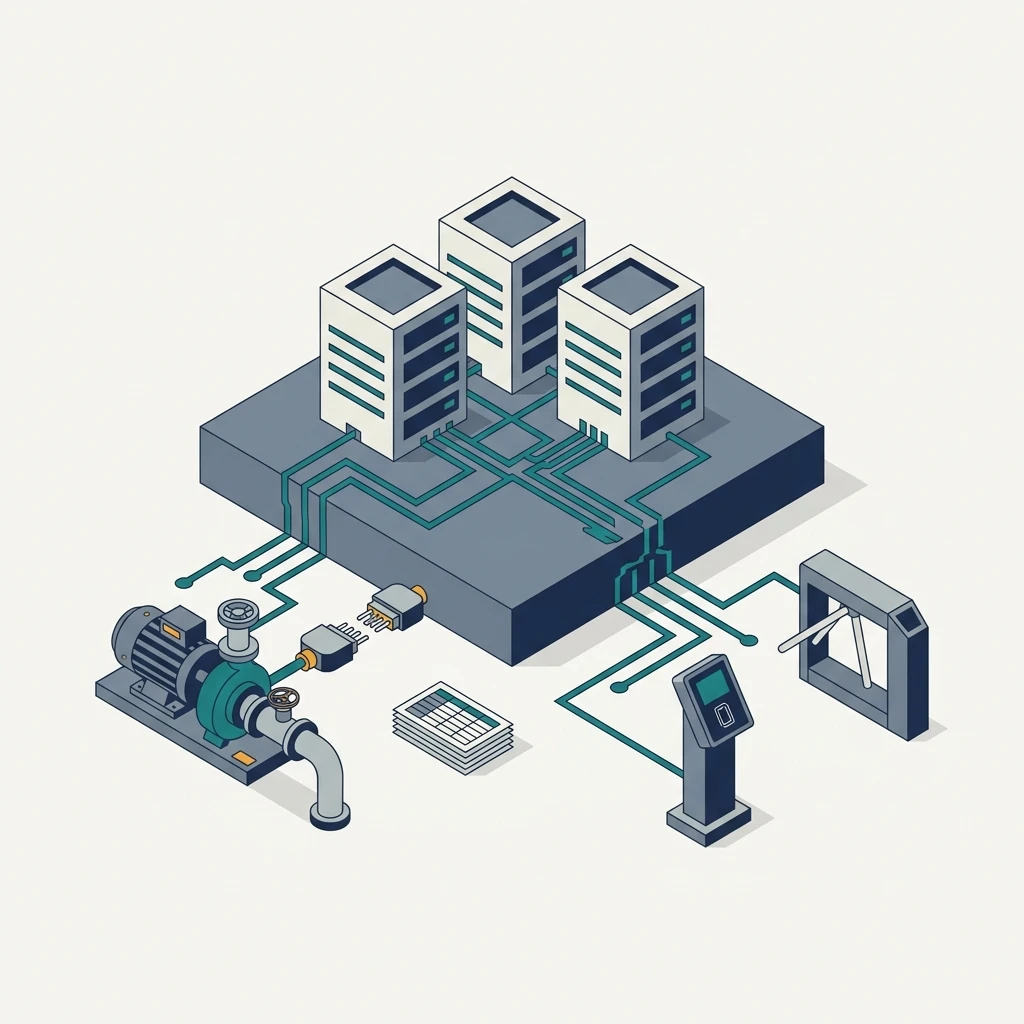
A packaging line operator catches their sleeve on an unguarded conveyor shaft during a changeover. Before the shift ends, the incident investigation requires records from three systems outside the EHS platform: the open repair work order in maintenance, the operator's shift schedule and hire date from HR, and the gate badge log confirming which contractor technicians were on site when the guard was unbolted under a maintenance permit. None of those three records lives in your EHS software—even if you bought every module the vendor sells.
Buyers pay a premium for an all-in-one EHS suite to eliminate "safety data silos"—expecting to see the whole site in one place. Yet even when its modules run on one database, the suite only connects the safety records stored inside it. The records that show who was working, what equipment was running, what chemicals arrived on site, and who entered the gates still sit in software owned by other departments. Connecting the EHS suite to those outside systems requires data links—and how the purchase contract prices and specifies those links determines whether your platform connects to daily operations or leaves safety records isolated.
Contents
- What an Integrated EHS Platform Connects—and What It Cannot
- Four Ways EHS Software Integration Costs Are Structured
- Why Scheduled Nightly File Exports Fail Operational Safety Checks
- How to Compare Integration Specifications Before You Sign
- Contract and Specification Terms to Require
- Frequently Asked Questions
What an Integrated EHS Platform Connects—and What It Cannot
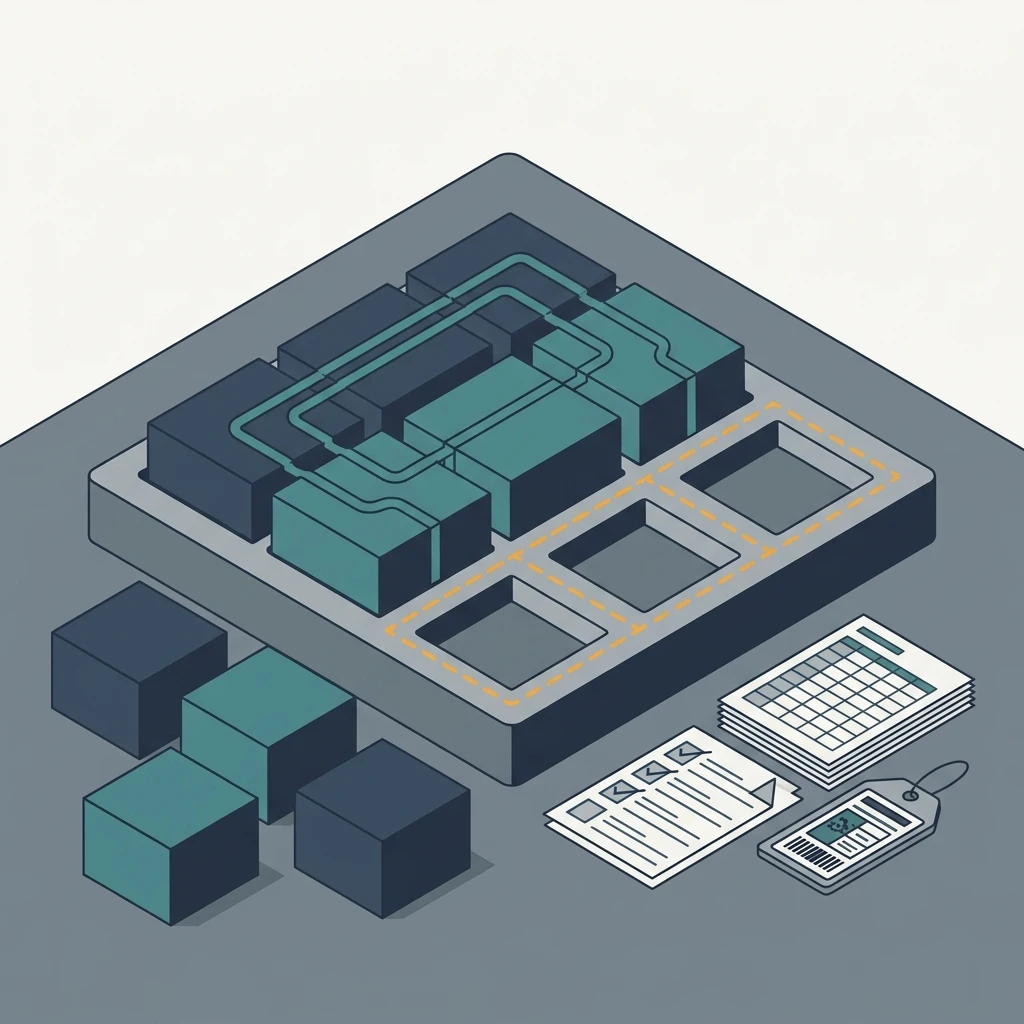
Comparing an all-in-one suite against standalone EHS tools starts at the boundary of the EHS platform itself. Inside that boundary, a single-database suite links an incident report to a corrective action, a risk assessment, a training requirement, and a management-of-change record—provided you buy all the modules and the vendor did not simply wrap separate acquired tools behind one login screen.
Outside the EHS platform, a suite and a standalone tool face the exact same problem. Neither one holds the master records that run the facility:
| Outside System | Master Records It Holds | What Breaks in EHS When Left Unconnected |
|---|---|---|
| HR & Timekeeping | Employee IDs, hires, terminations, job transfers, supervisor reporting lines, hours worked, shift schedules | Former employees keep active logins; transferred workers receive tasks for their old area; overdue alerts go to a former supervisor; incident rates and fatigue checks lack hours-worked totals. |
| Maintenance | Equipment tag numbers, open repair work orders, preventive maintenance schedules, calibration and out-of-service status | Workers log equipment names as free text ("Forklift 4" vs. "FL-04"); a hazard report on a broken guard does not open a repair order; permits are approved without seeing overdue maintenance. |
| Access Control & Security | Gate access permissions, entry and exit times, active visitor logs | A contractor with an expired safety induction in EHS can still enter the site gate; a permit issuer cannot verify who is physically on site. |
| Procurement & Enterprise Resource Planning (ERP) | Facility cost centers, approved chemical purchase orders, supplier lists | New chemicals arrive at the receiving dock before a safety data sheet is added to the register; cost-center reorganizations break site and department reporting hierarchies. |
In every one of those rows, the safety record is incomplete on its own. An incident report without timekeeping logs leaves overtime fatigue invisible to the investigator. A permit without the maintenance log gives the approver no warning that an isolation valve has a pending repair. A chemical register disconnected from purchasing only lists the substances someone remembered to type in.
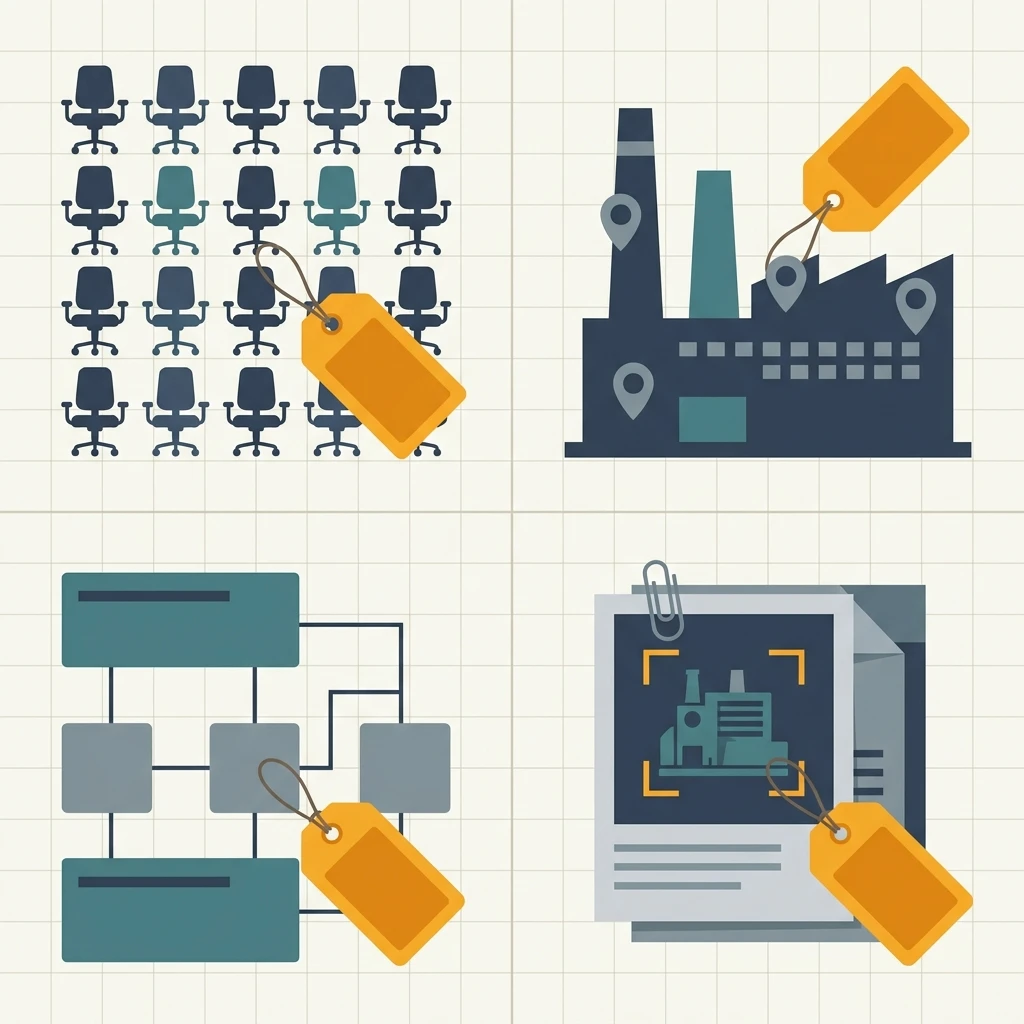
Even when an EHS suite includes workforce training, equipment inspection, or contractor pre-qualification modules, those tables only store safety compliance details. They are not the primary systems where HR runs payroll and shift schedules, maintenance runs repair work orders, or security runs gate access. Those departments will not replace their own software with an EHS platform, so licensing those EHS modules without live links simply creates a second, out-of-date copy of your workers, machines, and contractors.
Four Ways EHS Software Integration Costs Are Structured
In How EHS Software Pricing Scales, "Per integration" is one of ten units on a vendor quote that increases total software expenditure. Published supplier price lists on the UK Government's G-Cloud catalog and executed public sector contracts reveal four distinct pricing models for outside connections:
- Including the HR employee import in the base price while charging separately for every other connection. A baseline package may include single sign-on (one login shared with your corporate account) and the employee list imported from HR so user accounts can be created. The vendor quote then charges a separate setup fee and recurring annual fee for every additional system connected, such as maintenance, procurement, or gate access. When every extra connection adds another upfront and annual fee, buyers under budget pressure connect HR and drop the maintenance and procurement links.
- Selling API access as a paid add-on. An application programming interface (API) lets two software systems exchange records directly in the background, so your IT team does not have to manually export and upload spreadsheets to update employee lists or equipment status. Where a vendor quotes an annual fee just to turn on real-time API access—charging thousands each year before a single record moves—you pay once for the software license to store your safety records and a second recurring fee for the connection that lets your own maintenance or reporting tools read them.
- Pricing each connection as custom consultant days. Under an implementation contract where setup work is billed by the day, any connection not written into the initial scope triggers a change order—a signed price and schedule increase. If the vendor builds the connection as a custom script that only its own consultants can edit, renaming a department in HR or adding a field in your maintenance software breaks the link and requires another paid service request to update the field mapping—the configuration table that matches which column in HR corresponds to which form field in EHS.
- Separating reporting exports from live two-way links. Published service definitions and catalog rate cards show that a supplier may include an automated export to corporate dashboards in the base package, while charging extra for live two-way links. That export lets safety leadership compare last month's incidents against hours worked in a monthly report, but it cannot open a repair order in maintenance when a worker reports a broken guard on site.
Each of those four pricing models pushes buyers into the same compromise during purchasing. To keep the contract within the initial budget, the project team includes only single sign-on and the HR employee import for launch—pushing maintenance, gate access, and ERP connections into "Phase 2" (a failure pattern examined in Why Enterprise EHS Software Rollouts Fail). Yet the implementation contract ends as soon as the platform launches. Once launch is signed off, the vendor's setup consultants leave the project. Starting Phase 2 later requires a new contract, new consultant day rates, and another budget approval—leaving safety leads permanently copying work-order numbers and equipment tags between browser tabs by hand.
Why Scheduled Nightly File Exports Fail Operational Safety Checks
Even when a connection is included in the quote, the order form can leave out how and when the records move between the two systems. Unless the contract specifies a live link, the vendor can deliver that connection as a scheduled nightly file export—saving a comma-separated values (CSV) table to a shared folder once a night—or a once-a-night API pull.
A scheduled nightly file export or overnight API pull works for monthly headcount totals, but it breaks whenever a decision on site depends on what changed during the shift:
- Equipment status changes mid-shift. A maintenance technician logs an emergency repair order in the computerized maintenance management system (CMMS) for a leaking seal on Compressor B. Two hours later, a supervisor opens the EHS platform to approve a hot-work permit on that same compressor. Because the platform checks equipment status against yesterday's scheduled nightly file export, it shows zero open repair orders on Compressor B. The screen displays a clean approval state—turning yesterday's file export into an active error trap that leads the supervisor to approve hot work on a leaking compressor. As shown in Your Permit System Files Documents. The Hazard Sits on the Equipment, a permit check that cannot read live equipment status leaves the approver unaware of active repairs.
- Worker role and access changes mid-shift. When HR moves a worker to another production unit or records that a supervisor has left the company, single sign-on can block the former supervisor's login immediately, but the EHS employee list stays unchanged until the scheduled nightly file export runs. The platform keeps sending overdue incident alerts and hazard approvals to the former supervisor's closed account, while transferred workers keep sign-off access for their old unit instead of their new one.
- Silent row rejections. When a scheduled nightly file export includes a value that has not been added to the EHS platform yet—such as a new cost center or a renamed equipment category—the import script skips that row and writes an error to an IT log that no site safety lead sees. New hires and new machines never appear in the EHS platform, and existing records keep their old department or active login status until an audit, an investigation, or an overdue task exposes the gap.
Replacing a scheduled nightly file export with a live connection requires two features: a documented two-way API (so one system can check or update the other the moment a form is opened) and automated event triggers (instant updates sent from one system to the other as soon as a record changes, such as opening a repair order when a hazard is logged or flagging a permit when a machine is marked out of service).
Neither feature works unless both systems identify the worker, the facility, and the machine with the exact same ID code. If the EHS platform labels a machine only with its own internal system number instead of storing the maintenance system's equipment tag (Asset ID) in a dedicated field, the two systems cannot match their records automatically—forcing your team to match equipment names by hand in a spreadsheet. Agreeing on those shared IDs—Employee ID, Asset ID, and Site ID—is the foundation covered in EHS AI Interoperability: Building the Data Foundation. The contract must require the software to store those IDs in their own searchable fields and include them in every API transfer and data export.
How to Compare Integration Specifications Before You Sign
Do not ask a vendor whether its platform "integrates with SAP, Workday, or Maximo." A vendor can answer yes on a sales questionnaire whether that connection is a scheduled nightly file export, a one-way reporting export, or a live two-way link. A supplier can also market an "Open API" that only lets outside systems read records, blocking them from sending back work orders or status updates unless you pay for custom integration work. Evaluate quotes and technical specifications across five specific layers:
| Connection Layer | Closed / Custom-Service Model | Contract Specification to Require | What Happens on Site When It Fails |
|---|---|---|---|
| API & Automated Event Triggers | Sold as a recurring add-on fee, restricted to one-way reporting exports, or undocumented for customers. | Documented two-way API and automated event triggers included in the base platform fee. | Your IT team cannot connect outside systems without paying an extra fee per link, or can only export reports while safety and maintenance staff re-enter repair orders and status updates by hand. |
| Shared IDs | External tags are stored only in free-text notes; tables rely on the vendor's internal system numbers. | Dedicated, searchable fields for your organization's Employee ID, Site ID, and Asset ID across all records. | The systems cannot match their records automatically; EHS incident records cannot link to maintenance downtime or HR hours-worked records without matching names by hand in a spreadsheet. |
| Transfer Timing & Direction | Scheduled nightly file export (such as a CSV table saved to a shared folder), once-a-night API pull, or one-way reporting exports. | Automated event triggers for safety-critical changes; live two-way links that create work orders and return repair status. | Hazard reports that need a repair wait up to 24 hours for the overnight export before maintenance sees them, and the EHS record never receives the work-order number or repair completion status. |
| Field Mapping | Only the vendor's consultants can edit the mapping; any field or department change requires a paid change order. | Customer-editable mapping table with automated alerts sent to a named administrator when a record fails validation. | Workers in a newly added department are skipped during import—leaving new hires without accounts and transferred workers in their old area—or each update costs paid consultant hours. |
| Full Data & Exit Export | Vendor charges a fee per extract or exports summary tables without file attachments, edit history, or the links between records. | Automated bulk export of complete tables, file attachments, original timestamps, and the links showing which record connects to which. | You cannot combine safety records with operational data in your own reporting tools, and leaving the vendor breaks historical links. |
Check the fourth row during the product demonstration. Ask the vendor to show you the screen where your own administrator updates the field mapping when your company adds a facility or renames a department, and ask what alert fires when a single row in an import fails validation. If the answer is "open a support ticket with our integrations team," every organizational change will cost you consultant hours.
Contract and Specification Terms to Require
Connecting safety records to daily site operations means closing every technical loophole before procurement signs off—and ensuring your software architecture does not treat operational data links as paid consultant hours. Put these five requirements into the order form and implementation contract before the price is agreed—alongside the implementation assumptions audit and the pre-contract worksheets in A Practical Guide to EHS Software Implementation:
- Include full read-and-write API access and automated event triggers in the base platform fee—and test it before signing. Specify that your internal IT team can read, create, update, and delete records across all licensed modules at no additional per-call, per-system, or annual fee. Ensure the contract defines explicit request limits (requests per minute) adequate for live updates, rather than vague "fair use" clauses that let the vendor slow or block connections. During technical evaluation, require developer documentation and test API credentials under your non-disclosure or proof-of-concept agreement. Have an engineer from your IT team connect to the vendor's test demonstration account (a sandbox preloaded with sample site data), create a sample hazard record through the API, update it, and verify that attached photos and timestamps transfer intact. A vendor that cannot provide API documentation and a working test connection before you sign will not have one ready for launch.
- Name both systems, the records exchanged, the direction, and the trigger. Never let an order form say "HR integration" or "maintenance integration." Write the exact records and both directions: for example, "When a hazard report is marked as requiring repair, the EHS platform automatically creates a work order in the maintenance system using the shared
Asset ID; when the work order status changes in the maintenance system, it writes the work-order number and updated status back to the EHS record." - Require dedicated fields for your organization's IDs across all records. The platform must store your organization's
Employee ID,Asset ID, andSite IDin dedicated, searchable fields—not free-text notes. Those IDs must be searchable through the API and included in all automated event triggers and data exports so your systems can match EHS, HR, and maintenance records automatically. - Require a customer-editable field map and automated error alerts. Specify that your own administrators can update field and department mappings without a paid service request or change order, and that any import row rejected during validation immediately sends an alert to a named administrator.
- Require complete data and attachment exports during the contract and at exit. The contract must allow scheduled automated exports of all complete data tables, the links showing which record connects to which, original device and server timestamps, and attached files at no added fee, both during the contract term and at termination.
An all-in-one EHS suite only connects safety records to each other, even when its own modules share a database; connecting safety to how the facility actually runs takes open, unpriced links to the systems that hold your people, equipment, purchasing, and gate records.
Frequently Asked Questions
What does an integrated EHS platform do that standalone tools cannot?
An integrated EHS platform connects the safety records stored inside it—such as incidents, risk assessments, audits, and corrective actions—provided its modules share a single database structure. It does not remove the need to integrate with outside systems: employee lists and hours worked in HR and timekeeping, work orders in maintenance, chemical purchases in procurement, and gate entry logs all sit outside the EHS suite whether you buy an all-in-one platform or standalone tools.
How do vendors structure EHS software integration costs?
Published price lists and public sector contracts show four ways quotes charge for outside connections: including the HR employee import in the base price while charging a separate setup and annual fee for each additional system connected, charging an annual fee to turn on the platform's application programming interface (API), billing consultant day rates under an implementation contract to build and update custom links, and including reporting exports while charging extra for live two-way links.
Why do scheduled nightly file exports fail operational safety checks?
A scheduled nightly file export—or any integration that only runs once a night—leaves the EHS platform up to 24 hours behind site operations. If maintenance opens an urgent repair order on a machine or HR records a worker's transfer mid-shift, the EHS platform still shows zero open repairs on that equipment tag and leaves the worker in their old role for the rest of the shift.
What integration terms should be agreed before signing an EHS software contract?
Require two-way API access and automated event triggers (instant updates sent when records change) inside the base software fee, and verify a working connection in a demonstration test account before signing. Specify both systems, the exact records exchanged, and the direction of data flow directly in the implementation contract. Ensure the software stores your organization's employee, equipment, and site IDs on every record, and insist on a customer-editable field map with automated alerts for rejected rows. Finally, guarantee scheduled, complete data and attachment exports throughout the contract term and at exit without added fees.