EHS Implementation Planning: The Work Before the Contract
Implementations are won or lost in the planning phase: the mapping, objectives and vendor comparison done before the contract is signed.


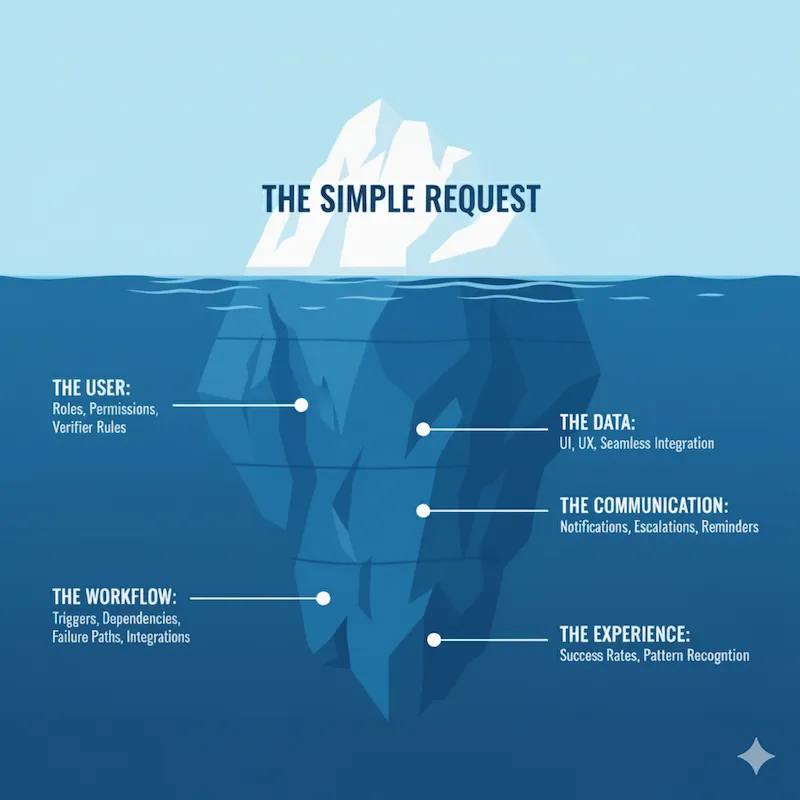
Implementations are won or lost in the planning phase. Unlike generic office IT, where deployment is a transactional software update, EHS implementation is a physical intervention in a risk environment. If you select a tool before you map your data reality, you are just digitizing existing inefficiencies.
By engaging operational leads and understanding both the existing processes and desired outcomes, organizations can build a system that reflects how work actually happens on the floor, rather than forcing a site to adapt to a lowest-common-denominator data model.
This article covers the work before the contract. What each phase after it decides about your records, and what to check before signing it, is in EHS Software Implementation: What Each Phase Does to Your Records.
2.1 Mapping Operational Reality
You cannot fix what you haven't mapped. Refining your needs requires an honest evaluation of how data currently moves—or stalls—within your operation. This involves an evaluation of current EHS processes, identification of physical friction points, and determination of the improvements needed.
Assess Current Processes:
- Review existing EHS workflows and systems.
- Evaluate both strengths and weaknesses; existing strengths can be strengthened while gaps are closed during the implementation.
Identify Friction Points:
- Highlight areas where inefficiencies, compliance issues, or safety concerns exist.
- Focus on manual processes where the information flow is slowest. A broken data model in Training Records, for example, isn't just a compliance gap—it is a physical risk where a worker is assigned to a high-hazard task they are not qualified to perform because the system cannot verify their certificate in real-time.
Beware the "Standard Workflow" trap. Many SaaS vendors advocate for adopting their pre-built processes. While these are based on industry standards like ISO 45001, they often fail to capture the site-specific operational truth that a custom-mapped data flow would reveal.
Here's an example that illustrates the output of assessing current processes and identifying pain points:
| Current Process | Strengths | Weaknesses | Identified Pain Points |
|---|---|---|---|
| Incident Reporting | Detailed incident documentation. | Time-consuming, prone to errors. | Manual entry leading to delays and inaccuracies. |
| Risk Assessment | Thorough risk identification. | Inconsistent assessment methods. | Variability in risk scoring, subjective assessments. |
| Audit Management | Regular audits conducted. | Labor-intensive, paper-based records. | Slow retrieval and analysis of audit data. |
| Training Records Management | Comprehensive training logs. | Difficult to access and update. | Inefficient tracking of training completions. |
| Incident Investigation | Detailed root cause analysis. | Lengthy investigation process. | Delays in implementing corrective actions. |
| Occupational Health Surveillance | Regular medical examinations conducted. | Inconsistent health records management. | Difficulty in tracking employee health trends over time. |
| Data Reporting and Analysis | Extensive data collection. | Data silos, manual compilation required. | Time-consuming data aggregation and analysis. |
2.2 Defining Objectives and Goals
Clear and well-defined objectives are crucial for the success of EHS software implementation. These objectives should align with the organization’s overall strategy and address both immediate needs and long-term goals.
SMART Objectives:
- Specific: Clearly define what you want to achieve.
- Measurable: Ensure that you can track progress and measure success.
- Achievable: Set realistic goals that can be accomplished.
- Relevant: Align with broader organizational goals.
- Time-bound: Set deadlines for achieving these objectives.
For example, you might aim to reduce incident reporting errors by 50% within six months or complete the full implementation and training within the same timeframe. Alternatively, you could set a goal to reduce workplace incidents by 20% within the first year through improved incident tracking and proactive risk management.
2.3 Securing Operational Buy-in
Engaging the right people early in the implementation process is essential for ensuring adoption and addressing the physical reality of the site.
Identifying Key Roles:
- EHS Professionals: The site’s Data Architects. They must map the operational reality to ensure the data model doesn't just capture what is easy, but what is required for root-cause accuracy.
- IT Teams: Essential for building the digital bridges (APIs) and ensuring data security and system integrity.
- Site Management: Operational leads who need to see the "operational truth" provided by the system to make better decisions.
- Field Workers: The frontline users who will enter the data. Their perspective on interface usability is the difference between data quality and garbage data.
Engagement Strategies:
- On-site Workshops: Discussions to map the physical workflows the software must support.
- One-on-One Reviews: Personalized discussions with site leads to understand specific operational constraints.
- Transparent Progress: Keep the team informed about how the software configuration is addressing their reported friction points.
- User Acceptance Testing: Engage a small group of field workers to test the interface in site-like conditions before full deployment.
2.4 Evaluating EHS Software Options
With a clear understanding of needs and objectives, the next step is to evaluate the available EHS software options. This involves a comparison of different solutions based on various criteria.
Feature Set and Functionality:
- Core Features: Ensure the software covers essential EHS functions such as incident reporting, risk assessment, and audit management.
- Advanced Features: Look for advanced capabilities like analytics, mobile access, and integration with other business systems.
Here's an example of some EHS modules and the market standards offered by EHS software solutions (source Verdantix ):
| EHS Module/Capability | Market Standard Description |
|---|---|
| Quality Management | Use of configurable workflows and contractor management to fulfill basic quality needs. Provision of an asset inventory. |
| Air and GHG Emissions | Support for permit management, but lacks a calculation engine for large-scale Greenhouse Gas (GHG) calculations. Scope 1, 2 and 3 emissions supported through manual entry or formula builders. |
| Industrial Hygiene | Use of configurations to enter and calculate sampling data. Use of digital bridges (APIs) to interface automatically with laboratories. Ability to define Similar Exposure Groups (SEGs). |
| ESG & Sustainability | Configurations to support Environmental, Social, and Governance (ESG) frameworks. Can set targets and define KPIs using a formula builder. |
| Ergonomics | Configure ergonomic assessments and dashboards. Standard assessments included. |
| Waste & Water Management | Enter and calculate sampling data. Track waste inventory. Support permit limit tracking and exceedances. |
| Document Management | Track document versions, bulk import, and set granular security permissions for viewing or editing. |
| Control of Work | Complete Job Hazard Analyses (JHAs) and store Lockout/Tagout (LOTO) data associated with assets. |
| Management of Change | Full Management of Change (MOC) workflow including requests, various stages of approval, and an audit trail. |
| Occupational Health | Securely store health data and schedule medical visits. Workflows for return-to-work and claims management. |
| Training Management | Ability to upload training content in universal formats (SCORM) as well as schedule and track training in a reliable manner. |
| Chemicals Management | Database for Safety Data Sheets (SDSs), allowing contents to be viewed on web or mobile. Chemical incident workflows can be configured. |
| Contractor Management | Contractor pre-qualification via document requests. Contractors can access a subset of the system to monitor their own KPIs. |
| Actions Management | A core competency. Assign responsible parties and automate reminders or escalations. |
| Risk Management | Methods to define controls and prioritize risks. Reliable risk register and mass alert functionality for crisis scenarios. |
| Audits & Inspections | Reliable capabilities to create, schedule, and track progress of audits. Edit checklists using in-built tools or pull from content providers. |
| Safety & Incident Management | Multiple workflows dependent on incident severity. Tools for analysis and event capture, including voice-to-text and geolocation. |
Interface Usability
- Field-First Design: The software must be intuitive enough for a field worker wearing PPE to enter data without training. A streamlined interface with clear labeling and minimal clutter reduces the error traps that lead to poor data quality.
- Customization: The ability to hide irrelevant fields and simplify workflows to match site-specific realities. If the system asks for data the worker doesn't have, they will enter "N/A" or garbage data to bypass the form.
Integration and Data Flow
- Digital Bridges: Ensure the system connects seamlessly with existing HR and ERP systems using digital bridges (APIs). Manual data re-entry is a primary source of data corruption.
- Data Migration: Moving historical records should be a documented process that preserves data integrity. The goal is to ensure your 10-year trend analysis remains valid in the new environment.
Vendor Authority and Support
- Industry Authority: Look for vendors who understand your specific operational risks. They should provide the data architecture best practices gathered from similar industrial environments.
- Support and Training: Support services must be responsive enough to resolve site technical issues before workers revert to shadow IT (like WhatsApp) to get work done.
The Strategic Argument (ROI)
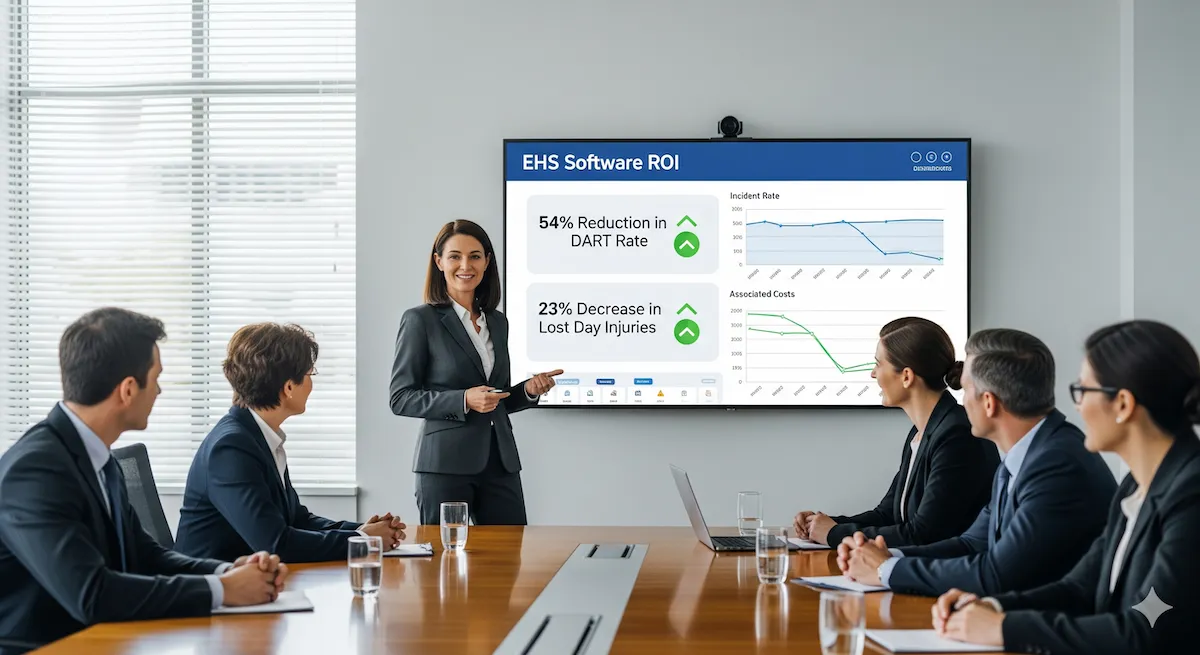
- Cost of Ignorance: The return on EHS software isn't just in license fees vs. fines. It is found in eliminating the Risk Lag—the days or weeks between an event occurring and it appearing on a management dashboard. Manual aggregation actively obscures risk by stripping away the metadata and context needed for sequence analysis.
- Operational Efficiency: Reclaim the hundreds of hours currently spent chasing spreadsheets and manually compiling reports. This is time returned to site leads for field-based risk reduction and technical coaching.
2.5 Building the Project Plan
A project plan is the roadmap for turning a license into an operational asset. It must assign clear responsibilities and set realistic timelines based on site availability.
Project Scope and Objectives
Define Scope
Clearly outline what the project covers. A well-defined scope prevents "requirement creep" and ensures the IT team and operational leads are solving the same problem.
Set SMART Objectives
Establish objectives that are Specific, Measurable, Achievable, Relevant, and Time-bound. For example: "Reduce incident reporting lag time from 4 days to 24 hours within the first 3 months."
Detailed Timeline with Milestones
Phases of Implementation
Break the project into manageable phases: mapping, design, deployment, testing, and training. The design phase should focus on configuring workflows to match site reality, while the testing phase must involve actual field workers — not just the project team.
Key Milestones
Identify critical points: vendor selection, completion of data migration, user acceptance testing, and the go-live date. Milestones provide the signal that the infrastructure is ready for the next layer of complexity.
Resource Allocation
Personnel and Technical Needs
Identify the operational leads and IT personnel required. Beyond software, ensure the hardware (tablets, intrinsically safe devices) and network infrastructure are ready to support mobile data entry in the field.
Budget Planning
Develop a budget that encompasses software licensing, customization, training, and hardware upgrades. A complete budget ensures the project avoids the "surprise costs" that often stall implementations mid-deployment.
Risk Mitigation
Identify Friction Points
Anticipate where the implementation will stall. Common friction points include data loss during migration, technical integration failures, and field workarounds where workers revert to spreadsheets due to complex interfaces.
Develop Mitigation Plans
For every friction point, have a response. If workers bypass the system or enter "garbage data," investigate the interface for error traps or irrelevant fields that don't match the field reality. If data migration fails, ensure a fallback to the legacy system is ready to maintain compliance continuity.
2.6 Evaluating Success
Evaluating the success of the implementation enables organizations to measure progress against their initial goals and justify the long-term investment.
Quantitative Metrics:
- Reduction in Incident Rates: Measure the decrease in workplace incidents.
- Compliance Audit Scores: Track improvements in audit scores and regulatory compliance.
- Efficiency Gains: Assess time savings and productivity improvements in EHS processes.
Qualitative Metrics:
- User Satisfaction: Gather feedback from users on their experience with the software.
- Adoption Rates: Monitor the rate at which employees are adopting and using the software.
- Behavioral Changes: Observe changes in safety culture and practices within the organization.